Choosing the right Dementia Clock in 2026 is not simply a matter of selecting the largest display. It involves understanding a person’s memory, vision, hearing, daily routines, and living environment. A clear clock may reduce confusion when morning and night become difficult to distinguish. However, the most advanced model may still fail if its controls are complicated or its screen creates glare.
This guide examines practical features through a caregiver-focused and evidence-informed lens. We will consider large day-and-date displays, automatic brightness adjustment, readable contrast, power backup, alarm settings, remote updates, and reliable connectivity. We will also discuss placement, because a clock hidden behind a lamp cannot support orientation. Advice from dementia specialists, occupational therapists, and experienced caregivers can help families make safer choices, but individual needs should remain central. A Dementia Clock can support routines, yet it cannot replace personal reassurance, clinical care, or a carefully planned daily schedule.
There is no perfect device.
Real homes are untidy. Batteries fail, Wi-Fi drops, and some users dislike unfamiliar screens. I have found that simplicity often matters more than a long feature list, although this is not true for every household. The best choice balances visible information, ease of use, privacy, durability, and cost. By comparing these details carefully, families can choose a clock that feels dependable rather than merely impressive.
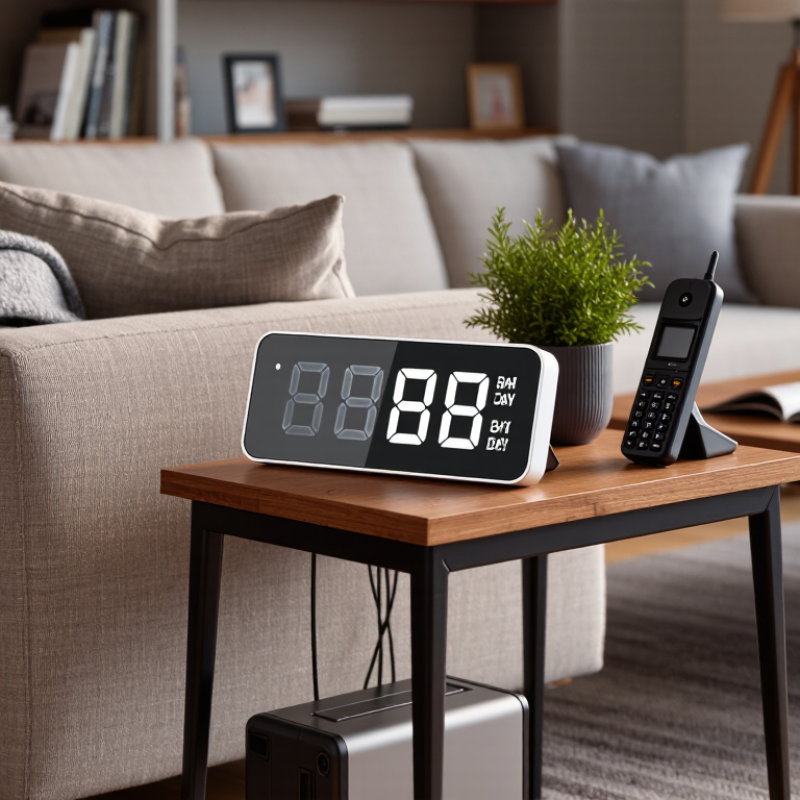
A dementia clock is a time display designed for people who may lose track of hours, dates, or daily routines. It usually shows the day, date, time, and part of the day in clear language. Some models use large characters, simple contrast, and gentle reminders. Unlike a standard clock, it answers a practical question: “What day is it?”
That answer can reduce repeated questions and ease confusion after waking. A person may see “Tuesday morning” beside a familiar bedroom window and connect the display with real life. Caregivers can also use it to support meals, appointments, rest, and visits. However, a clock cannot replace conversation or professional care. Dementia affects people differently.
Clarity matters more than decoration. Look for readable text, stable brightness, a reliable power supply, and settings that do not change accidentally. An easy-to-read display may help more than extra alarms. I once assumed the largest numbers were always best. They were not; glare made them uncomfortable for one older adult. Ask the user to view the clock from a chair, bed, and doorway. Check whether the wording feels natural to them. A useful clock should fit the person’s routine, eyesight, room lighting, and level of independence. Small tests matter.
A practical comparison of dementia clock types and the features that can support orientation, routine, and everyday independence.
| Clock Type | Main Display | Useful Dementia-Support Features | Best For | Potential Limitations | Typical Setup Difficulty |
|---|---|---|---|---|---|
| Basic Digital Dementia Clock | Large digital time display with day, date, and month | Clear calendar information, 12/24-hour format, high-contrast numbers | People who need simple orientation cues | Usually provides limited reminders and no remote monitoring | Low |
| Day-and-Night Clock | Time, date, weekday, and explicit day period such as morning or evening | Reduces confusion between daytime and nighttime; often uses large labels | People who frequently confuse morning, afternoon, and night | May not include medication alerts or appointment reminders | Low |
| Reminder Clock | Digital clock with scheduled text, sound, or visual alerts | Prompts for meals, medication, appointments, hydration, or bedtime routines | People who benefit from structured daily routines | Too many alerts can be distracting or confusing | Moderate |
| Talking Dementia Clock | Visual display combined with spoken time or reminder announcements | Audio guidance, adjustable volume, repeat announcements, reminder prompts | People with reduced vision or difficulty reading small text | Sound may disturb others; hearing ability affects usefulness | Moderate |
| Calendar Clock with Photo or Message Support | Time and calendar information with optional personalized messages or images | Familiar photos, simple routine messages, and visual orientation support | People who respond well to familiar visual cues | Personalization requires regular caregiver updates | Moderate |
| Connected or Smart Dementia Clock | Digital time and calendar display managed through an app or online connection | Remote updates, scheduled reminders, automatic time changes, and caregiver access | Families who need to manage reminders from another location | Requires power, internet or mobile connectivity, and privacy review | High |
| Evaluation Dimension | What to Look For | Why It Matters | Priority |
|---|---|---|---|
| Display Legibility | Large characters, strong contrast, uncluttered layout, and adjustable brightness | Makes the time and date easier to recognize from a normal viewing distance | Essential |
| Calendar Information | Full weekday, date, month, and year shown without abbreviations when possible | Supports orientation and reduces uncertainty about the current day | Essential |
| Automatic Time Adjustment | Automatic daylight-saving and leap-year adjustment, with an easy manual override | Prevents incorrect information that may disrupt routines | High |
| Power Backup | Battery backup or internal backup that preserves time during a power interruption | Maintains reliable orientation information during outages or accidental unplugging | High |
| Reminder Controls | Simple scheduling, repeat options, clear labels, and adjustable sound or visual alerts | Helps reinforce regular activities without creating unnecessary complexity | High |
| Ease of Use | Few buttons, clear menus, readable instructions, and settings that are hard to change accidentally | Reduces frustration for the user and setup time for caregivers | Essential |
| Placement and Viewing Angle | A stable design that can be read from the bed, chair, or main living area | The clock is only useful when it is visible and positioned at eye level | High |
| Privacy and Connectivity | Clear controls for accounts, notifications, remote access, and data sharing | Connected features should support care without exposing unnecessary personal information | High |
Note: A dementia clock is an orientation and routine-support tool, not a replacement for medical care, supervision, medication management, or an emergency response system.



Copyright © CUSTOM Building Products 2025
Products | Resources | Interactive Tools | Warranties | Privacy Policy | Terms of Use | Technical Training